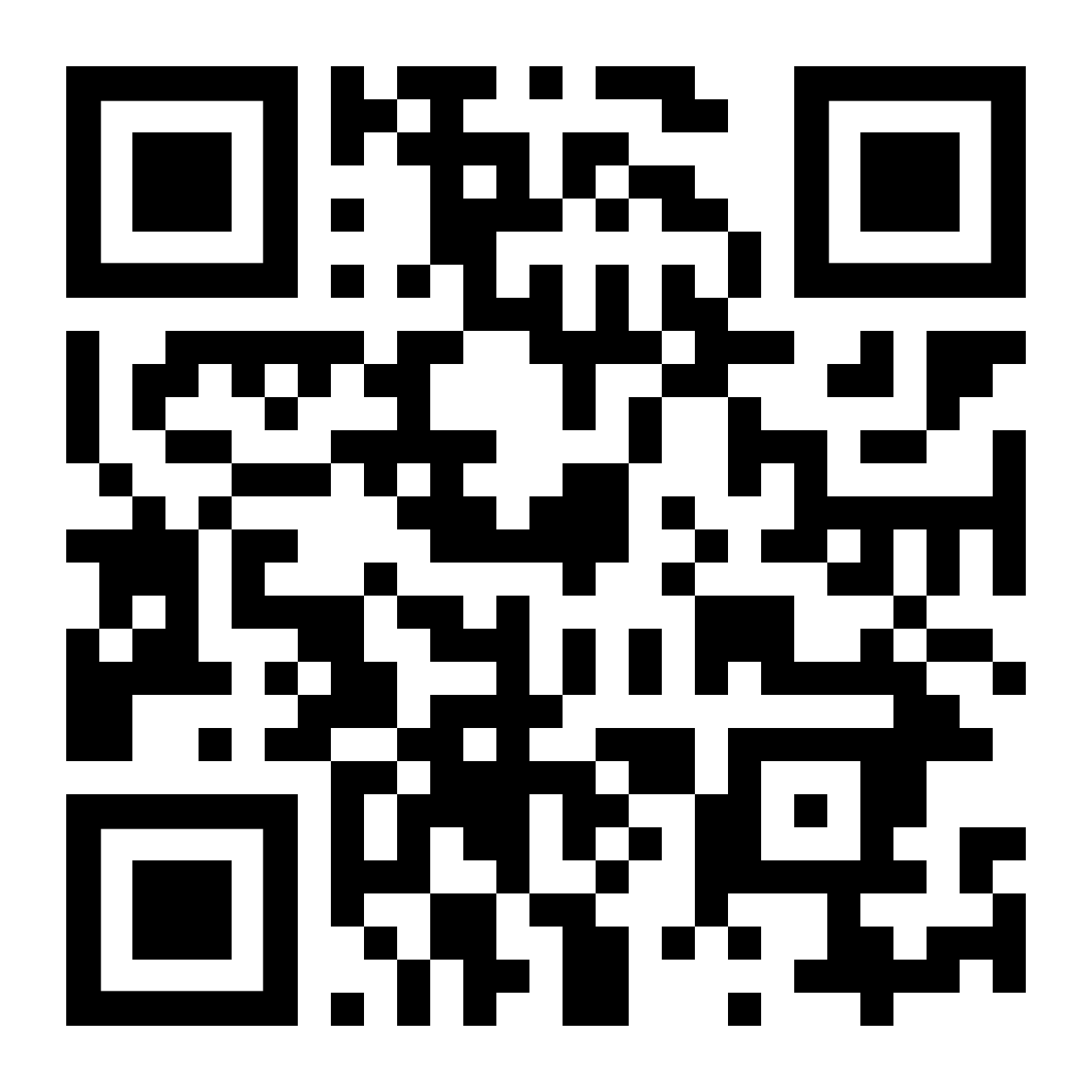
The university will test its Emergency Alert Communication System on Wednesday morning. The system uses text, recorded calls, emails, desktop speaker phones and a new app to send messages. All students, faculty and staff are encouraged to download the InformaCast app before Wednesday to ensure it is part of the test.
To download the app, scan the QR code below or search for InformaCast in the App Store on iPhone or Google Play on Android. Use your university email address and password to log in.
The phone number that students, faculty and staff use for multi-factor authentication is the number that has been preloaded into the Emergency Alert System. You can add additional phone numbers and email addresses through the InformaCast app.
If you do not use a cell phone number for multi-factor authentication, you can download the app to add your cell phone number to the alert system. If you choose not to do so, you will still receive emergency messages through your university email address. Issues with the App
If users have issues downloading or using the InformaCast app, they should contact the university Help Desk at helpdesk@ollusa.edu, call 210-431-3908 or visit the Help Desk on the second floor of the Walter Student Service Center on the San Antonio campus.